Switch instrument:
Virtual tour
OrientExpress
Test Laue neutron-diffractometer
Tips and hints
Tips and hints
Photographing the sample
Photographing the sample
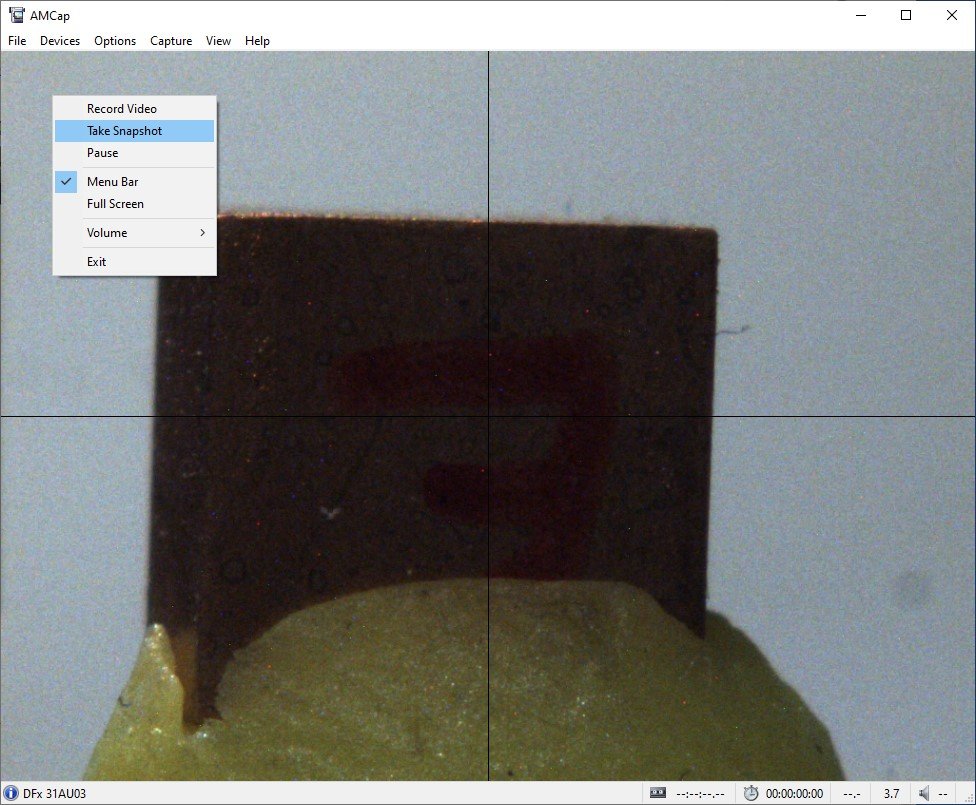
The AMCap software can be used to take a photograph of the sample on the instrument.
This is useful, as the photograph of an aligned sample can then be saved with the data.
To take a photograph:
- Right-click in the AMCap software window to bring up a menu.
- Select Take Snapshot to capture the image.
Note that the camera is 90° from the incident beam. Be sure to account for this if you want to photograph the sample along a specific axis.
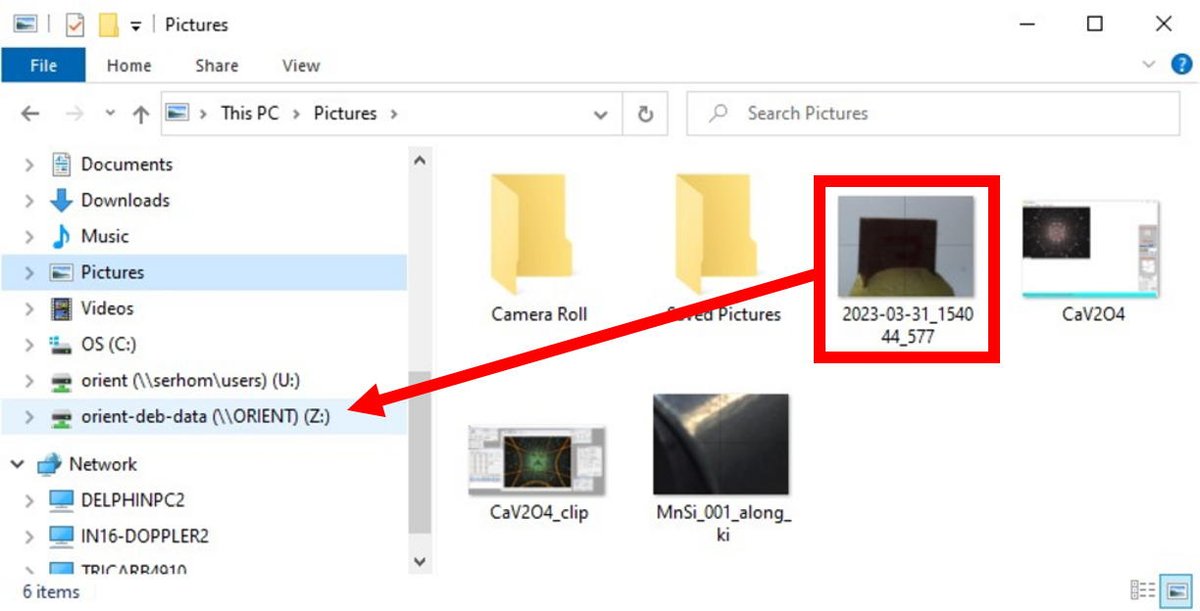
The photograph will be saved to the Pictures directory.
Change the name of the file if you wish, and drag the file to your shared directory on the Z: drive.
The photograph will be saved with your OrientExpress data on https://data.ill.eu.