
Switch instrument:
Tour virtuel
OrientExpress
Test Laue neutron-diffractometer
Finishing an experiment
Pretty self-explanatory, this one.
To make life simple, you can find a batch command under the Execution tab:
Commands : Users' scripts : Shared : Home
Double-click or click-and-drag the Home command to the Launch pad and click the Play button (►).
What comes from OrientExpress stays on OrientExpress!
All adapters, tools, pens, etc. must be returned from whence they came.
Only take from OrientExpress those things that you brought yourself.
Pretty self-explanatory, this one.
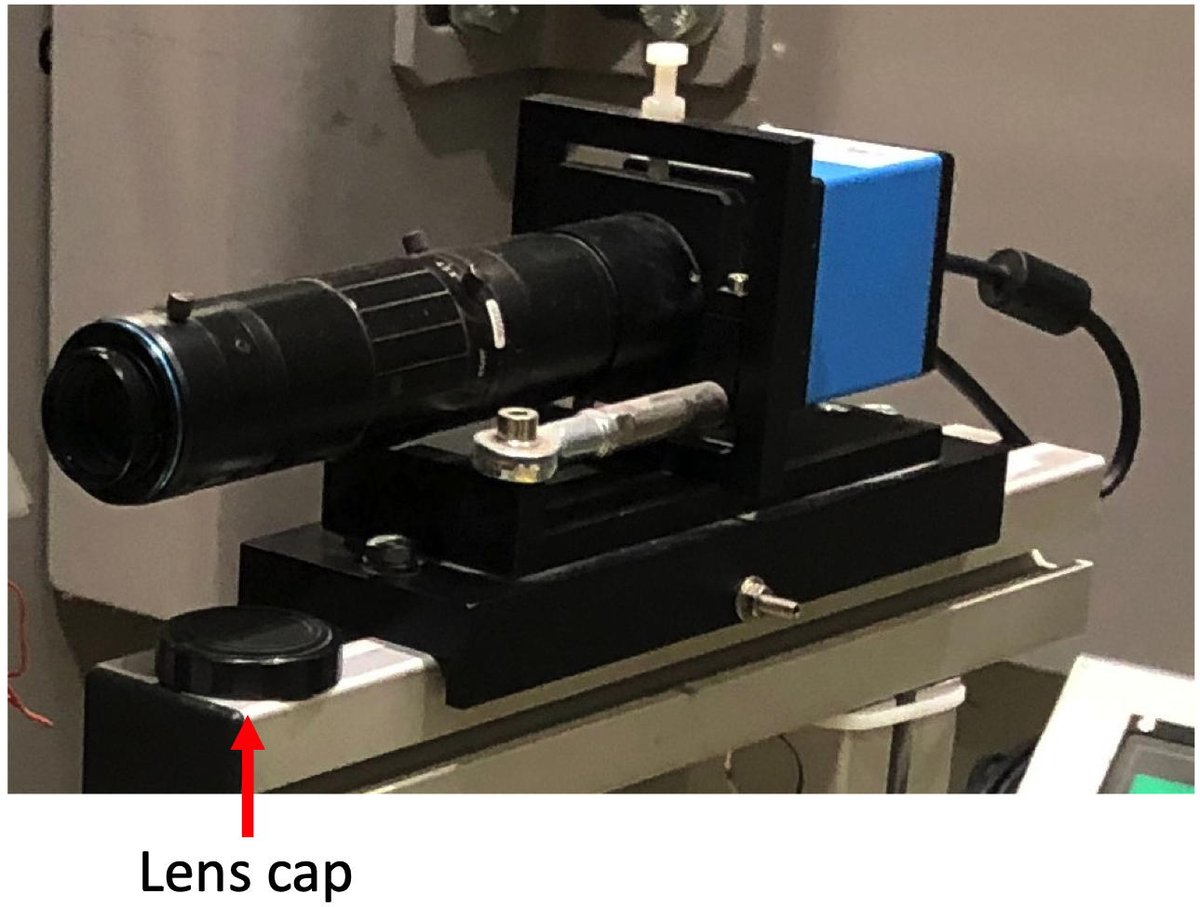
Once you have fully completed the shut down procedure above, you can help the OrientExpress responsible by locking NOMAD.
Click on the Padlock icon on the menu bar at the bottom of the right-hand monitor.

A terminal will pop up asking for confirmation.
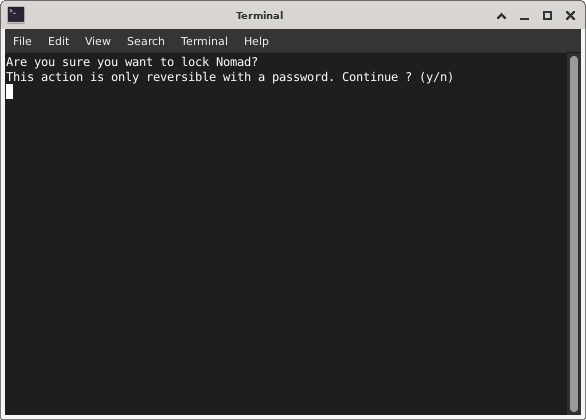
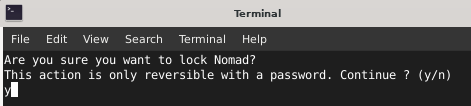
Enter 'y' and hit the 'return' button.
The Instrument Responsibles thank you!