
Viewing and indexing data
OrientExpress data is saved directly to the central ILL data server (serdon). All data may be downloaded from the ILL data portal.
Data may be viewed, manipulated, and indexed using software available on VISA.
You can create a VISA session before starting your OrientExpress session, which will save you time on the instrument.
Two data formats are saved:
- A Nexus data format (extension .nxs) which contains all the metadata for the measurement.
- A TIFF data format (extension .tiff) which can be manipulated and indexed.
The data will be stored under your proposal number.
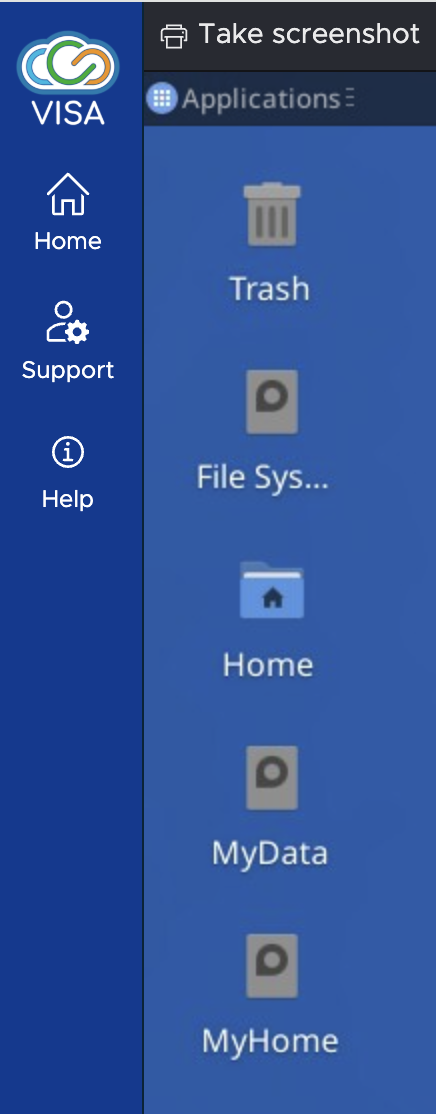
From the MyData folder on the VISA desktop, navigate to:
~/byInstrument/orient/exp-<proposal>_<cycle>_orient
where:
<proposal> is your proposal number
<cycle> is the cycle number (e.g. 261 is the first cycle from 2026).
The directory contains two important subdirectories.
- The Nexus (.nxs) files are found in the rawdata subdirectory (Note that this subdirectory is read only).
- The TIFF (.tiff) files are found in the processed subdirectory (Note that you have write access to this directory. You can save information, such as images manipulated using ImageJ and CLIP work sessions, in this directory).
If using internalUse as the proposal number, the data are stored in the directory:
/net4/serdon/illdata/<cycle>/orient/internalUse/
If you are using data from the current cycle, you can also find the internalUse data in:
/net4/serdon/illdata/data/orient/internalUse/
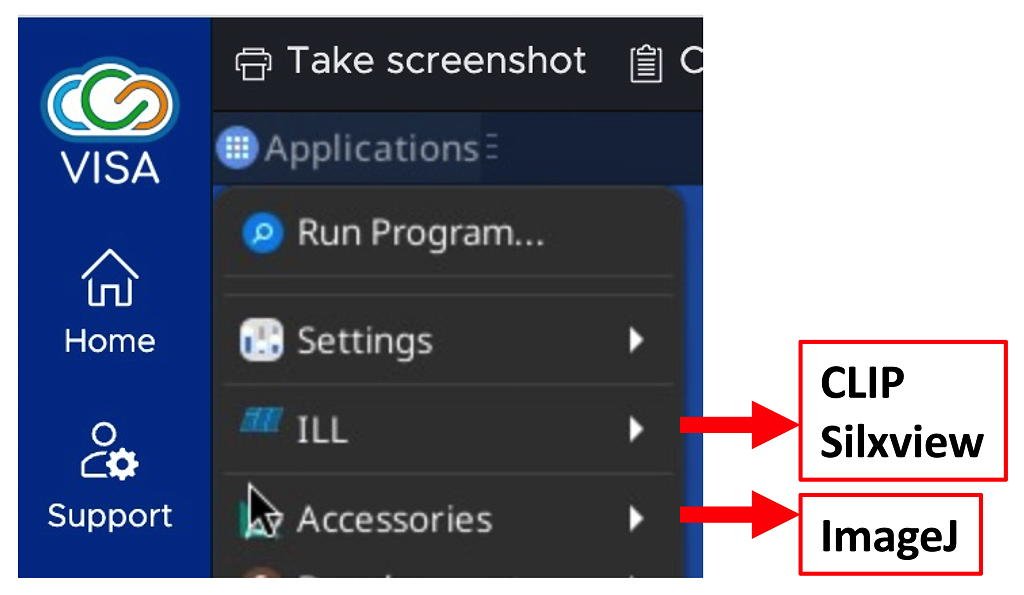
VISA has three software packages for treating OrientExpress data.
ImageJ is a graphical manipulation program. It is useful for treating TIFF images for better visibility, with tools to adjust contrast and brightness, reduce noise, sum multiple images, etc.
Clip is used to index Laue diffraction images.
Silxview gives direct access to the contents of a Nexus data file
The software packages can be found from the VISA Applications menu:
From the ILL Data Server:
- Choose ORIENTEXPRESS (Laue diffractometer) from the Instrument droplist.
- Choose the appropriate time period from the Cycle droplist.
- Click Search
- You will be presented with a list of proposal numbers in the Experiment List window. Choose yours.
- You will also find the internalUse data here in case you were unable to log in with your proposal number.
- Your proposal details will appear in the Experiment Information window. Click on the Data folders tab gives you access to the data.
- Five folders will appear.
- The Nexus (.nxs) files are found in the rawdata subdirectory
- The TIFF (.tiff) files are found in the processed subdirectory, along with anything you saved when indexing your data.